Tutorial
Getting Started with Screen Studio
Learn how to create your first professional screen recording with Screen Studio in under 5 minutes.
5 min read
Read more →
macOS Ventura 13.1+ is recommended
Helping people create beautiful screen recordings at


Create professional-grade screen recordings with automated enhancements and stunning effects.
Automatically focuses on important actions with intelligent zoom capabilities.
Instant professional effects that would typically require hours of editing.
Capture everything with support for multiple input sources.
Level up your tutorials, product demos and collaboration with Screen Studio.
Simple pricing. All Screen Studio features.
Per month billed yearly.
Billed yearly
Your copy forever & one year of updates.
One-time payment. Includes one year of updates.
Billed yearly
Built and designed to be fast, reliable and easy to use.

Movement in your videos will look more natural. The result videos look like a professional video editor's output.
Save your video settings as a preset and share it with your friends or colleagues to make all your videos look consistent.
If you're recording a tutorial, Screen Studio can record your keyboard shortcuts and display them in your video.
Focus on a specific part of your screen or hide parts of the UI.
Avoid distractions or hide your files from your viewers.
Screen Studio empowers thousands of people to record beautiful videos and demos of their products and services.
Screen studio from @pie6k I think is the best tool I've picked up for my Mac in YEARS screen.studio
I'm seeing more and more product videos (even by Fortune 500) now being created in @screenstudio. Being a user myself, and with 5+ years of content marketing background, this is definitely one of the best screen-recording apps that I have used.
Big shout out to @pie6k and the team at screen.studio Great customer service and a fantastic product. If you're looking for an elegant, friction-free way to create professional videos, screen.studio is the answer!
I can't put into words how much I adore @screenstudio! Using it for the first time today, and it's unbelievably amazing. Thank you @pie6k!
The only working method to boost your launch on socials is to use screen.studio I've never got so many link clicks before. @pie6k you're making magic.
Lots of folks are asking about the recording tool that I use. It's the @screenstudio app by @pie6k, and it has easily become an essential part of my routine work.
If you are one of the people quoted above and would like to have your testimonial removed, please get in touch and we will remove it instantly.
Tips, tutorials and updates from the Screen Studio team
Learn how to create your first professional screen recording with Screen Studio in under 5 minutes.
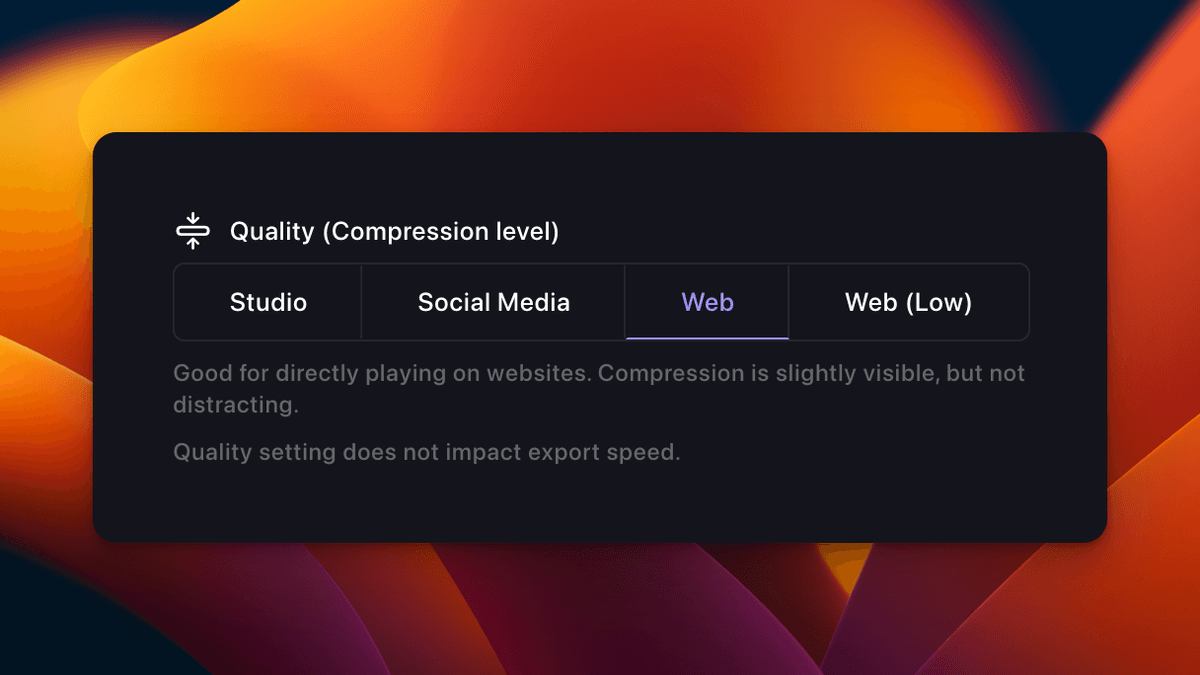
Discover advanced features and shortcuts to enhance your screen recording workflow.
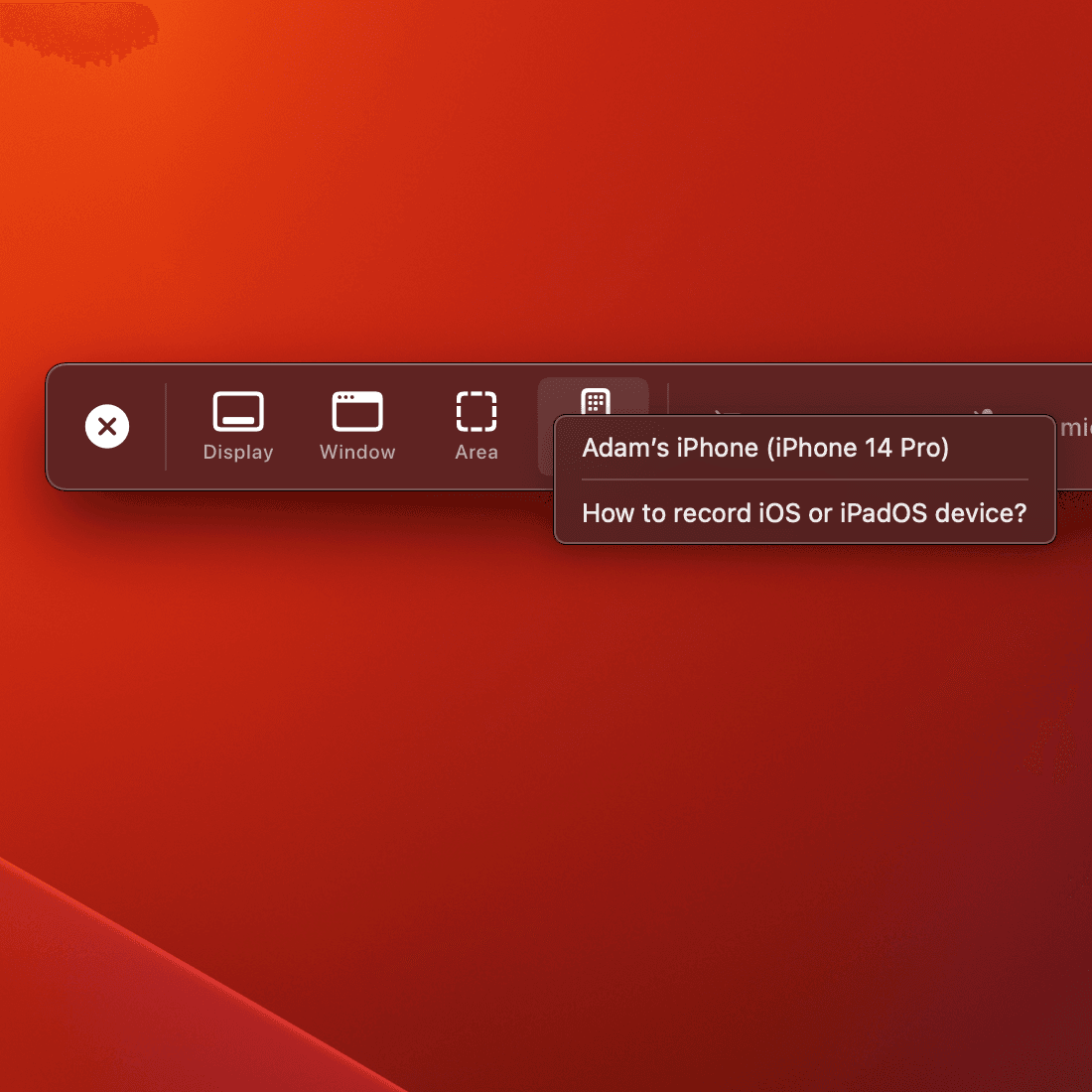
Explore the latest features and improvements in our newest release.
Get started with beautiful screen recordings today
Latest version for macOS Ventura 13.1 or newer
If you have any other questions - please get in touch
Screen Studio automatically adds professional animations and effects that would take hours to create manually in other video editing software.
Currently, Screen Studio is only available for macOS. We're focusing on making it the best screen recording tool for Mac users.
Yes, Screen Studio processes all recordings locally on your device. No data is sent to our servers unless explicitly shared by you.
You can continue using the version you have forever. To receive updates after the first year, you can renew your license at a discounted price.
Yes, we offer special pricing for students and educational institutions. Please contact our support team with your academic credentials.